CURRENT FOCUS
Software administration
Keeping workplace software usable and dependable: setup, licensing, troubleshooting, documentation, and the coordination that keeps it running.
IT / SOFTWARE / PERSONAL PROJECTS
Software Administrator
IT Systems / AI-Assisted Builder
I work in IT and software administration.
Outside of work, I build tools, games, and this website.
01 / EXPERIENCE
I’m a Software Administrator with hands-on desktop administration experience in a managed service provider environment.
CURRENT FOCUS
Keeping workplace software usable and dependable: setup, licensing, troubleshooting, documentation, and the coordination that keeps it running.
FOUNDATION
Hands-on IT experience in an MSP environment, working across client systems and helping people resolve desktop and software issues.
02 / SELECTED WORK
A few things I’ve built.
Open a project to try it or see how it works.
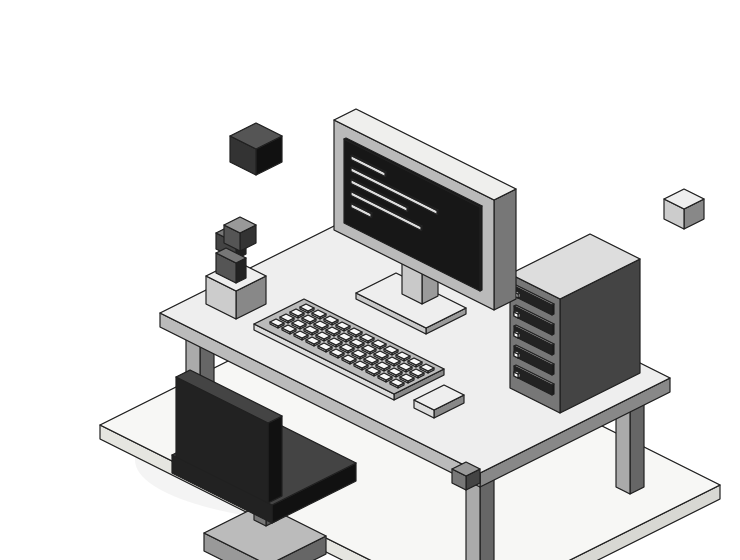
A closer look at the design, development, and upkeep of vonkerz.com.
 VIEW PROJECT ↗
My portfolio, built and maintained as an ongoing web project.
 VIEW PROJECT ↗
Keep Codex usage and reset times in view with a small Windows widget.
 VIEW PROJECT ↗
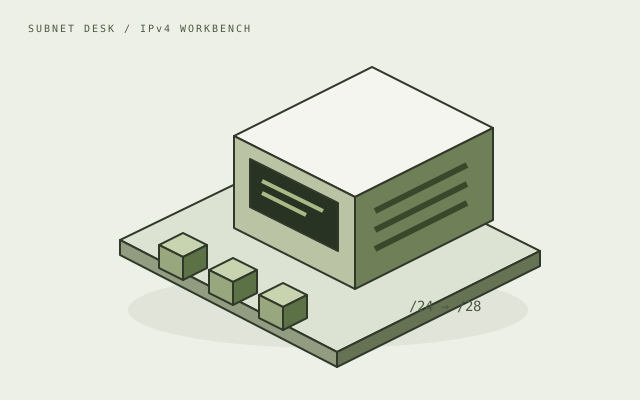
A visual IPv4 calculator. Change the prefix and see the network take shape.
 VIEW PROJECT ↗
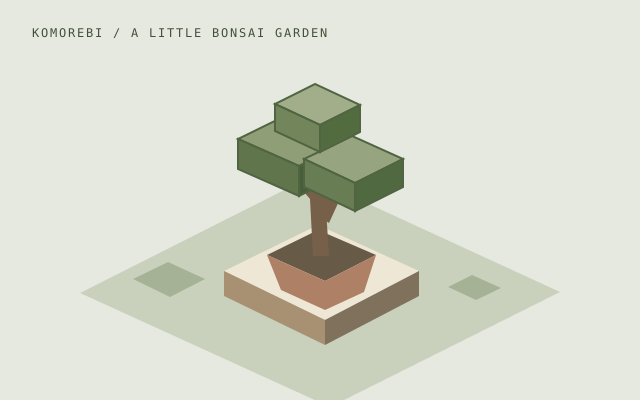
Grow and shape a bonsai in a quiet, interactive garden.
A small study in procedural terrain, depth, and perspective.
Clear a tiny network. A logic puzzle, one node at a time.
Download Pixel Usage — the 8-bit Codex desktop widget ↗
Try the demos or download a tool. Source repositories are private.
03 / THE AI LAB
I learn by making things I can use.
I use ChatGPT and Codex to explore ideas, develop code, and troubleshoot. I spend a lot of time trying the result, finding what feels off, and making another pass. These experiments are a place to work through those ideas.
Start with a specific problem or something I want to try.
Build enough to see whether the idea works in practice.
Try it, check the edge cases, and work through what needs fixing.
Adjust. Rotate. See what changes.
NEW / GENERATIVE ART
A small experiment in deliberate imperfection. Break up a voxel landscape with displaced scanlines and grain, then save a still you like.
Make a frame. Keep the one you like.
Built with AI assistance. Generated in your browser. No uploads or flashing animation.
04 / OFF THE CLOCK
A garden and a puzzle.
Both run in your browser.
Water, prune, and shape your own little tree. Feed koi, rake the sand, or simply stay a while.
No install · Saves on this browser · Mouse & touchA tiny network with a small problem: too many nodes are lit up. Switch off every node to clear the board.
Selecting a node flips it and its immediate neighbors. There’s no timer—just a little logic.
Tap or click a square to toggle it and its neighbors above, below, left, and right. Turn all 16 squares dark. Keyboard: Tab between nodes, then Enter or Space to toggle. Every new puzzle is generated from a solved board and can be solved.
Clear the network. Turn every node off.
05 / BEHIND THE SCREEN
I like figuring out how things work, whether that’s a software issue at work or a game idea at home.
This is where I keep the things I make. Some solve a small annoyance; others are simply fun to spend time on.
I’m still adding to the collection. I like simple interfaces, pixel art, and projects that leave room to experiment.
06 / LET’S CONNECT
For work opportunities or a conversation about a project,
you can reach me on LinkedIn.